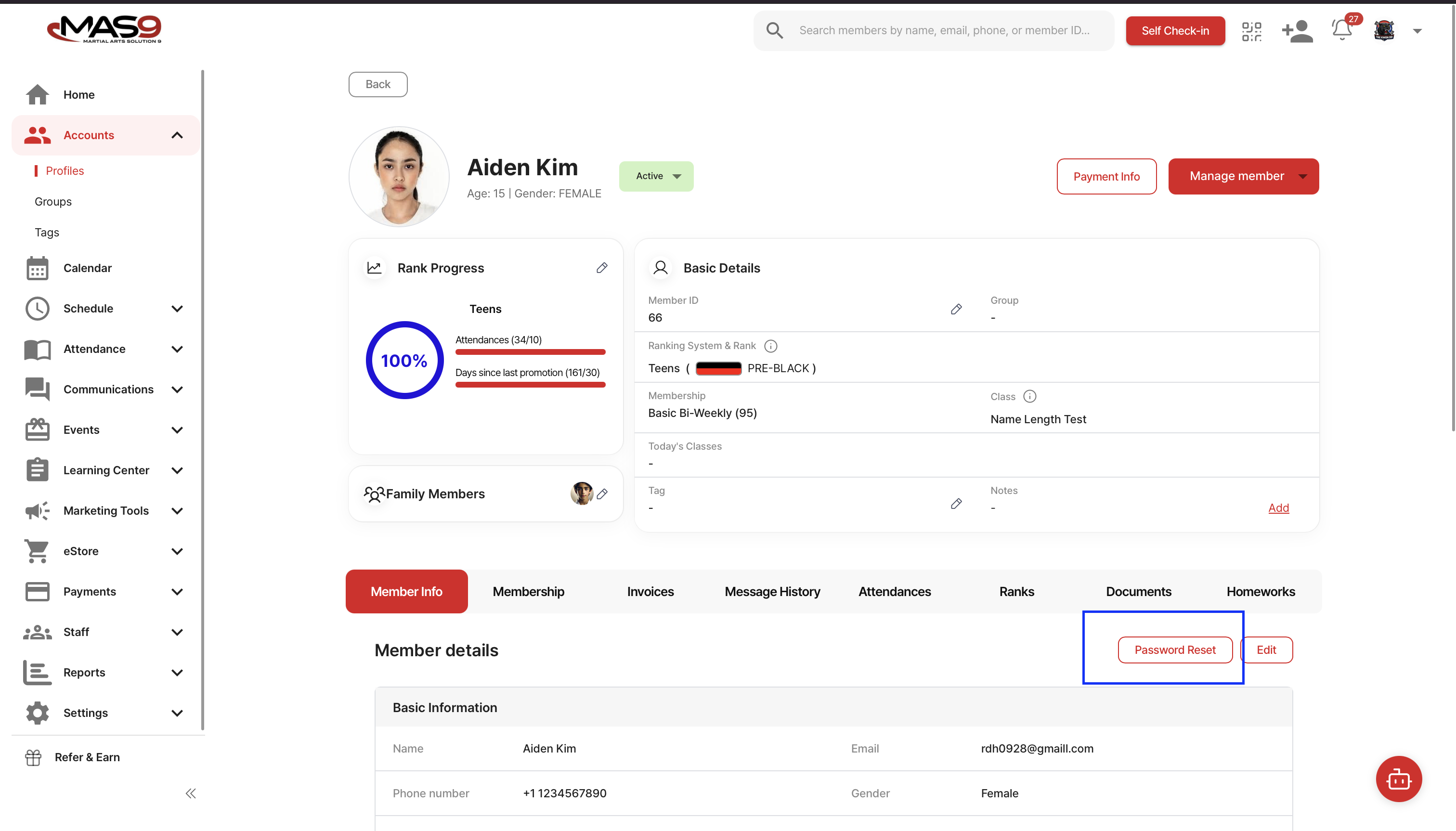
To resolve this issue, go to the student’s profile and navigate to Member Info. Click Password Reset to reset the password.
After the reset, the temporary password will be the part of the student’s email address before the “@” symbol.
The student can then log in to the app using this temporary password and set a new password.