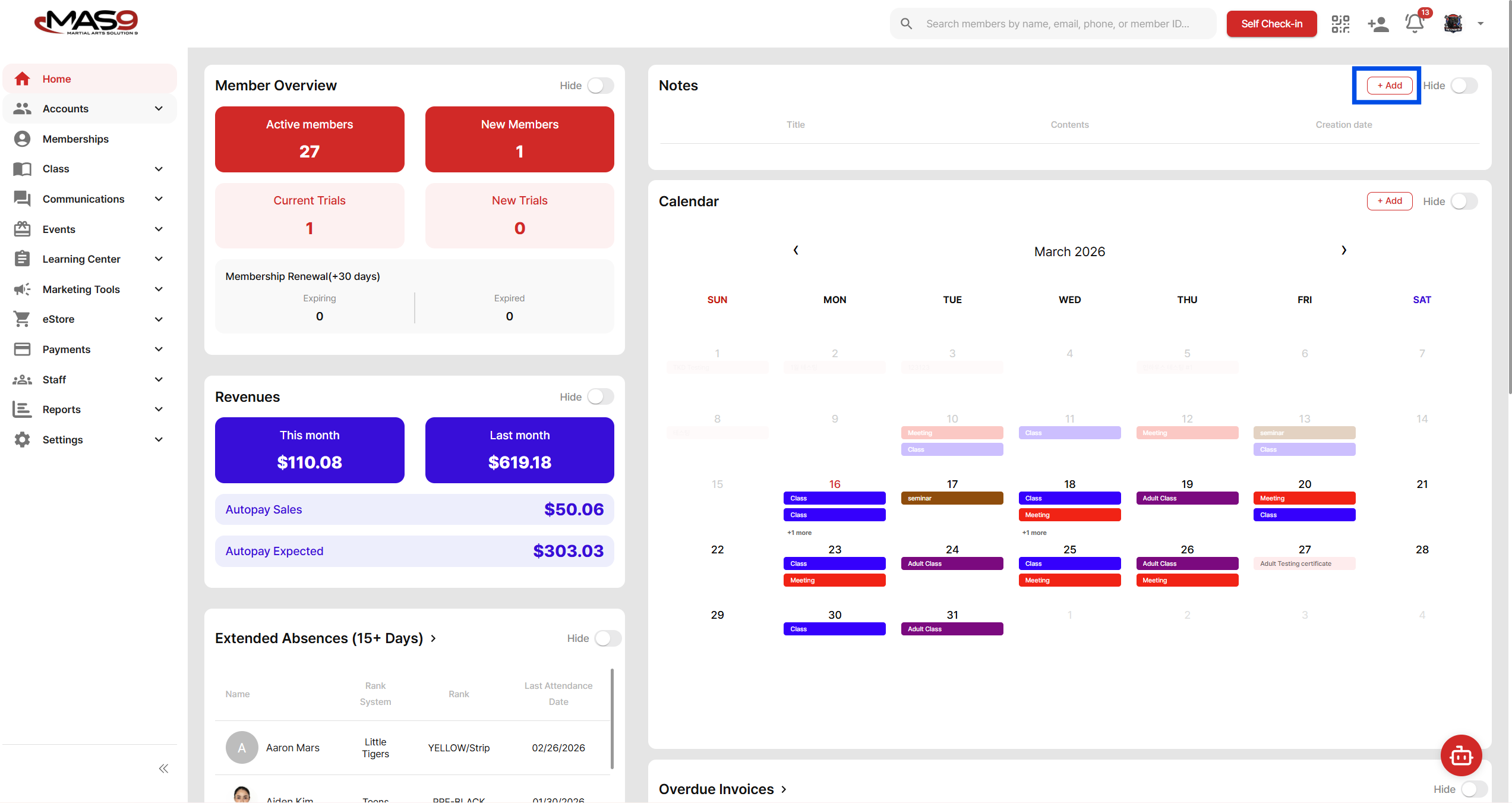
The Notes section on your dashboard can be used as a simple reminder tool for you or your staff.
How to Add a Note
- Go to the Dashboard (Home)
- Locate the Notes section
- Click + Add
- Enter a title and details
- Save
Your note will appear on the dashboard for easy reference.
When to Use Notes
- As a daily task reminder
- For internal school updates
- To keep track of administrative follow-ups
- To write down temporary action items
Notes help you stay organized without needing an external reminder system.