
You can access your multi-location dashboard in two simple ways:
Option 1: From MAS9 Website
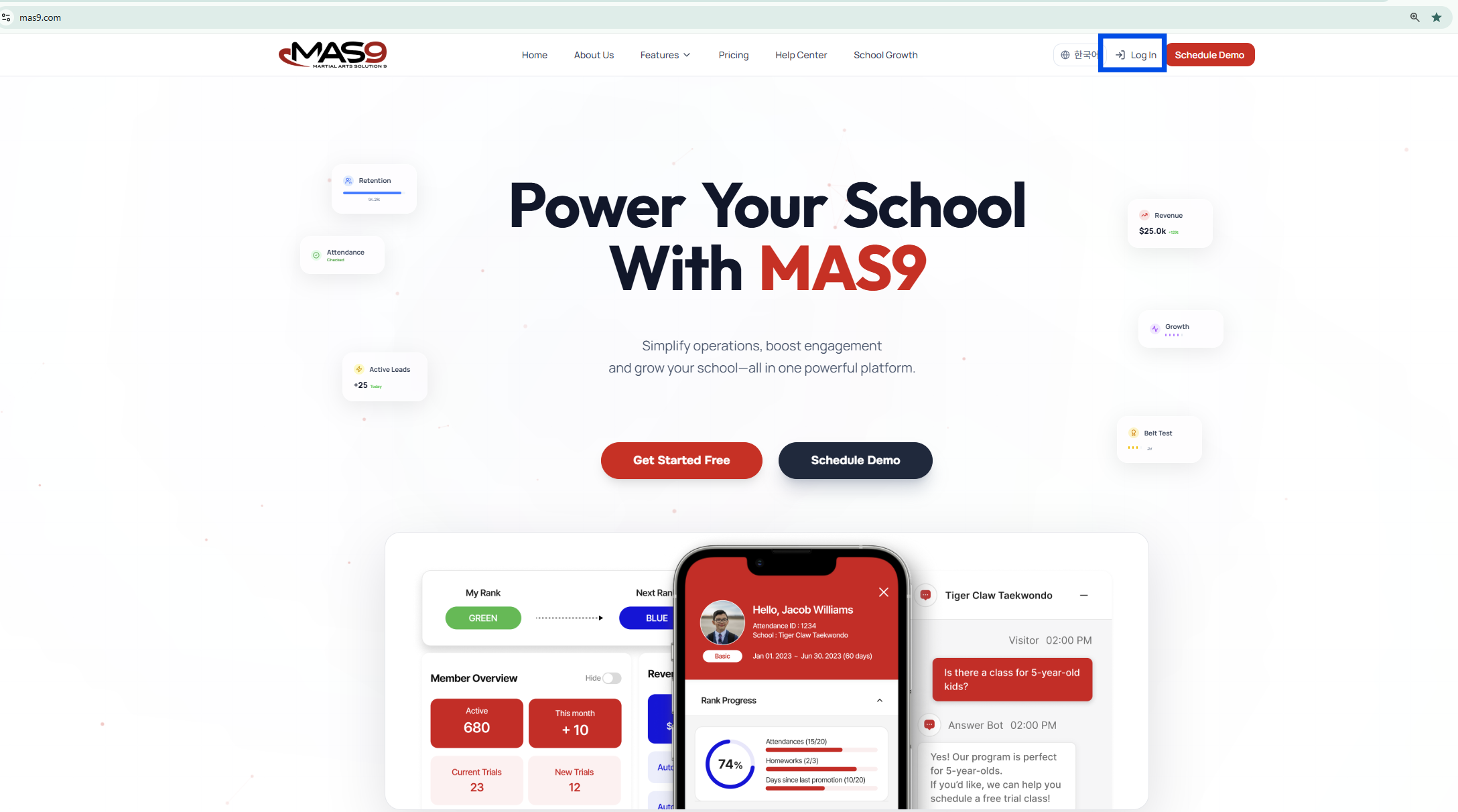
1. Go to mas9.com
2. Click Log In (top right)
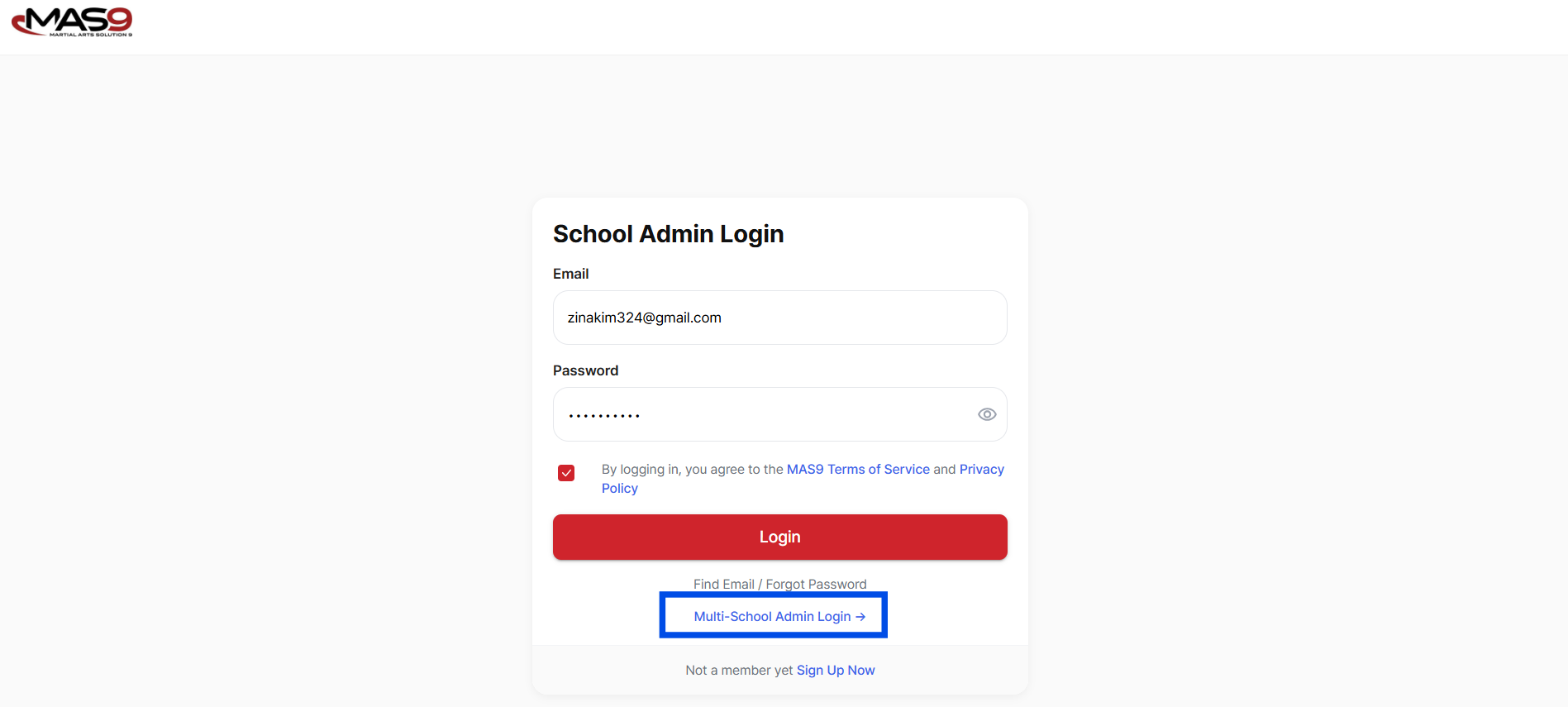
3. On the login page, select Multi-School Admin Login
4. You will be redirected to the HQ dashboard login page
Option 2: Direct Access
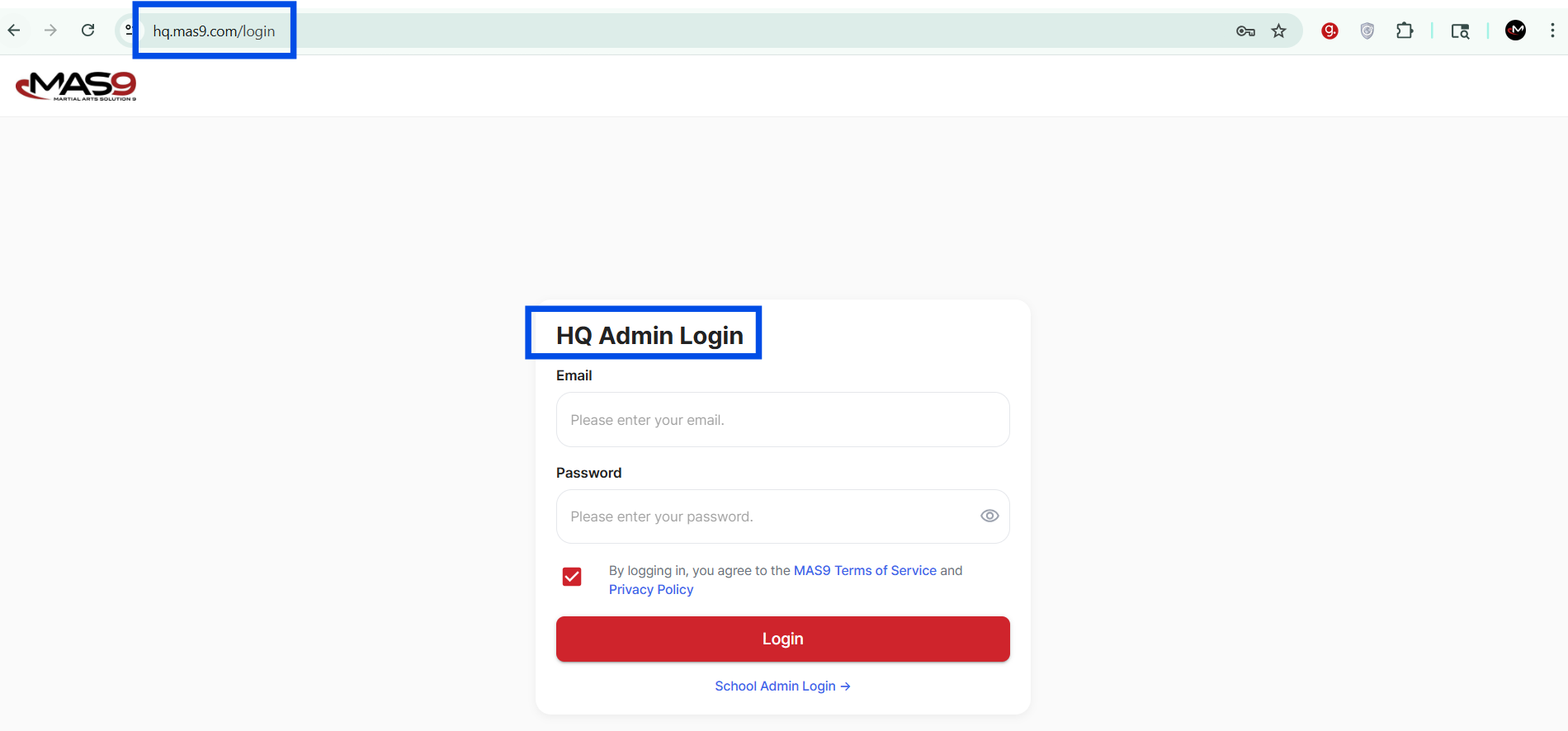
1. Go directly to hq.mas9.com
2. Enter your HQ admin credentials
3. Click Login
Notes:
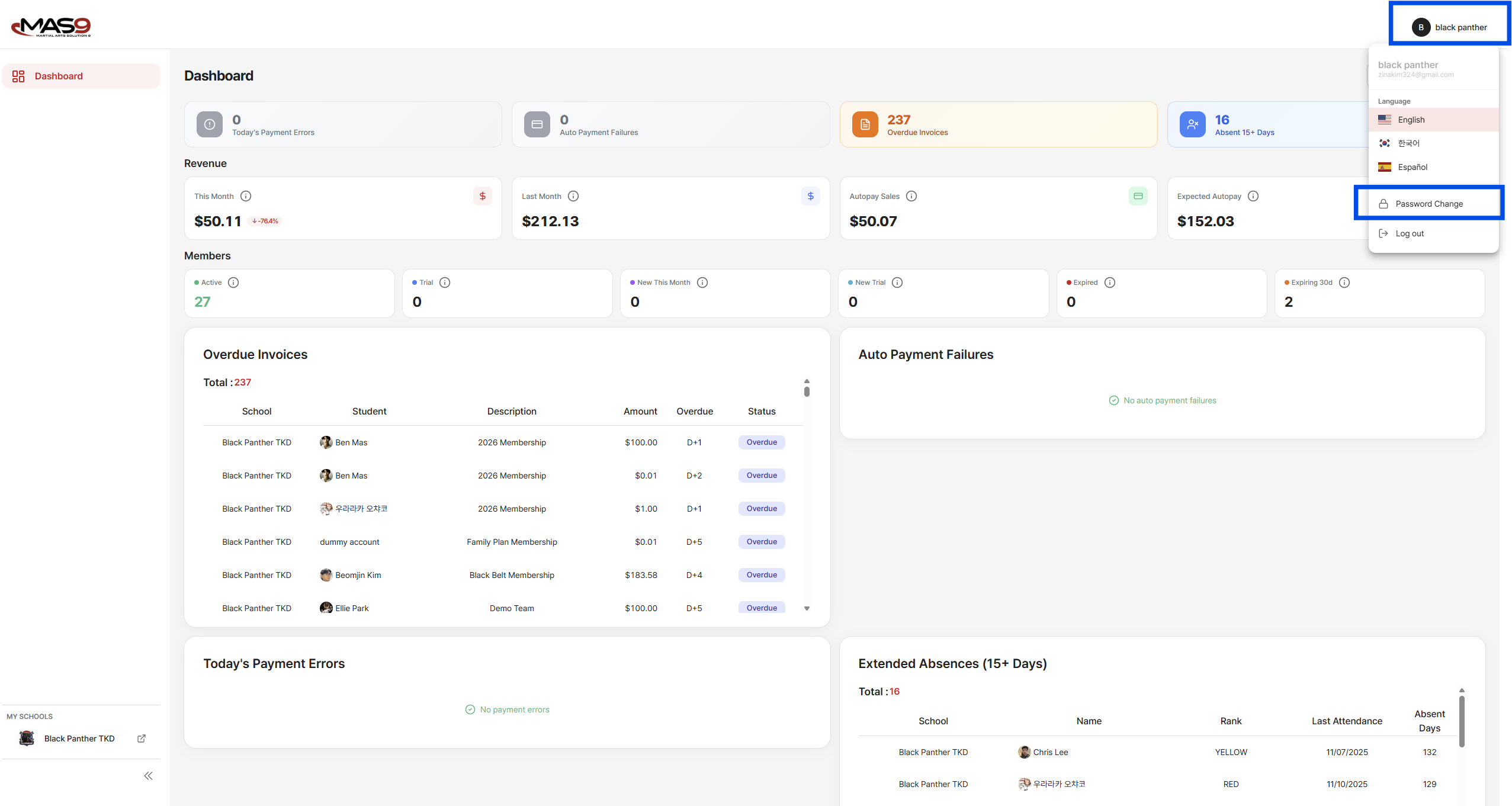
- You may change your password for HQ admin credentials at the top right corner.
- Click Profile
- Click Password Change
- Should you wish to change your multi-location dashboard email, please contact us at info@mas9.com.